 01
01

Reduce manual operations
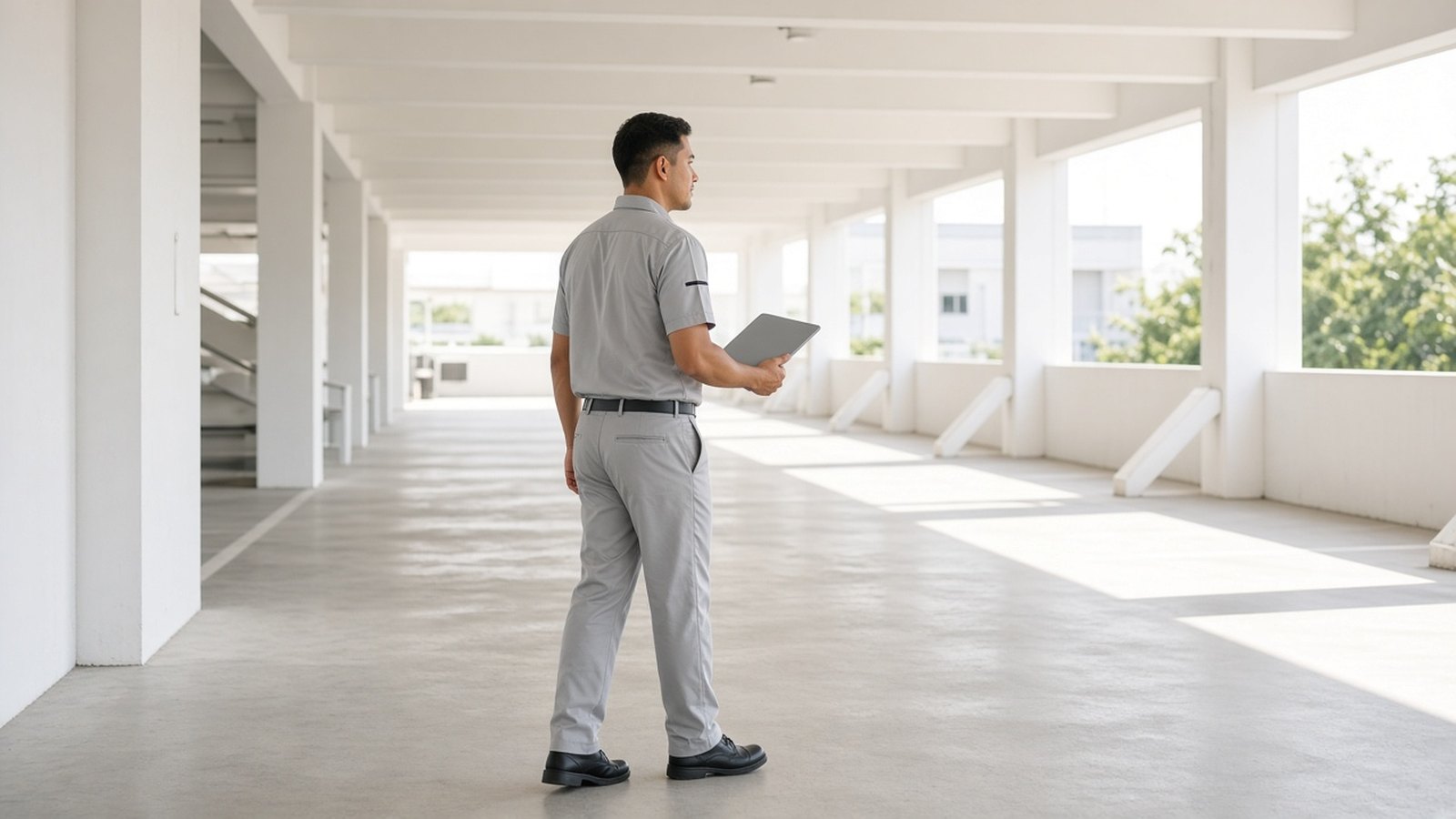
Move repetitive lane tasks into configured software and device workflows, while keeping staff available for exceptions.
IoT parking management
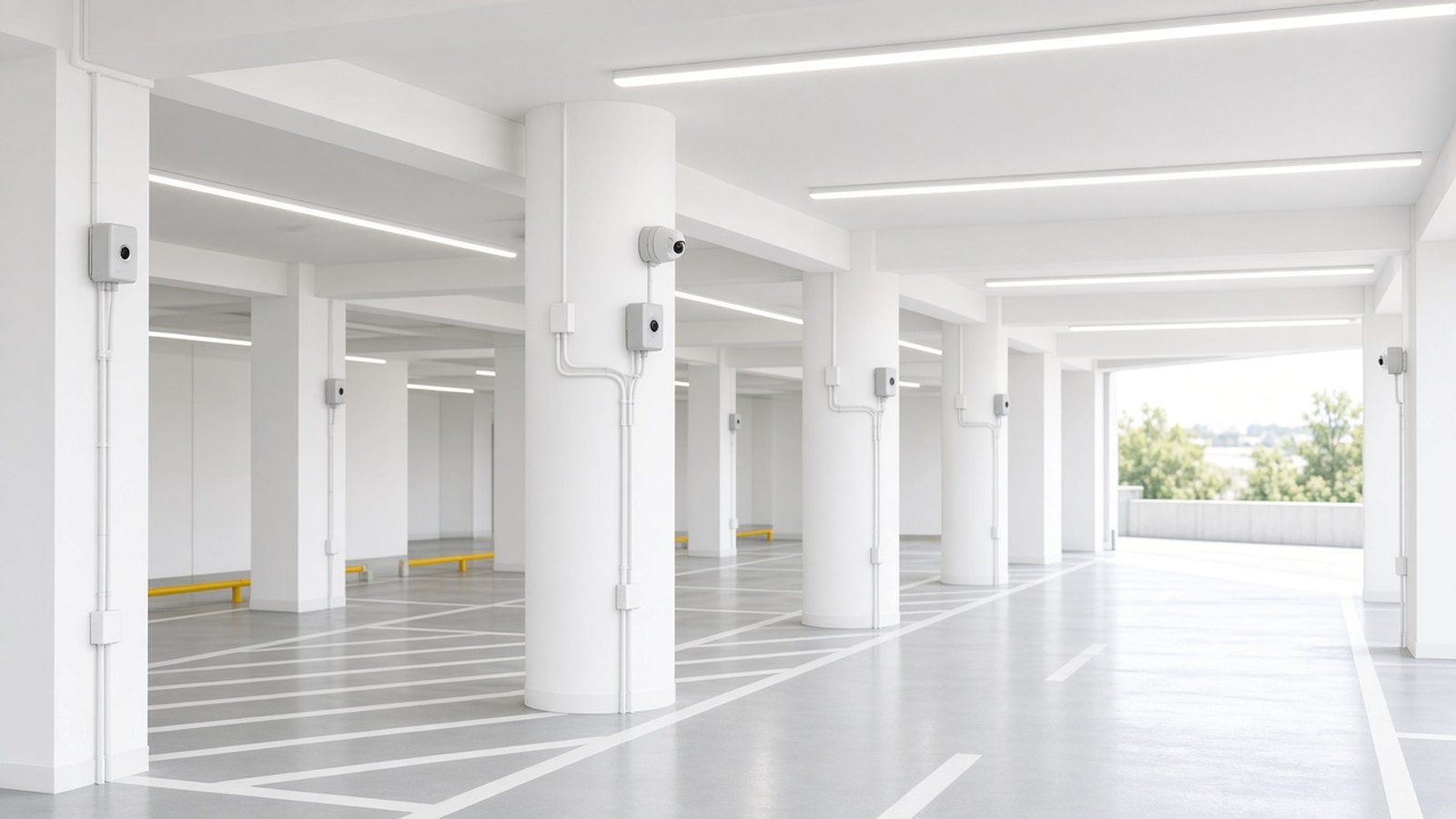
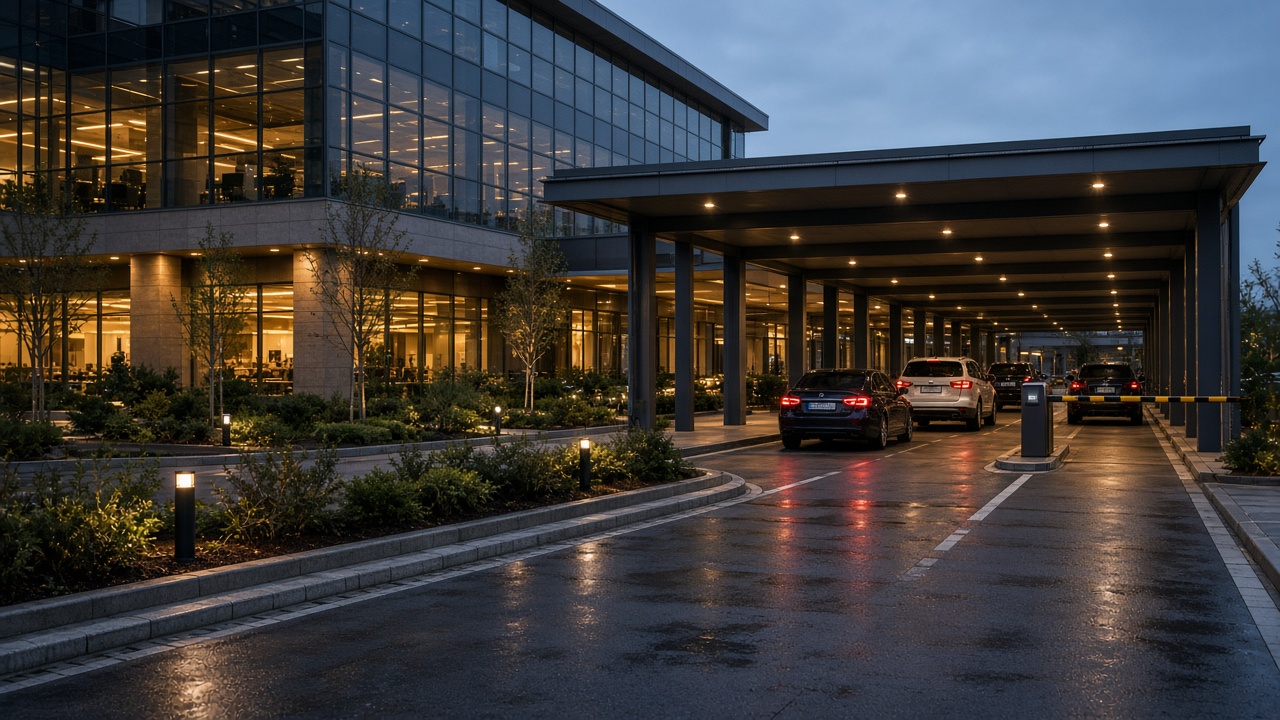
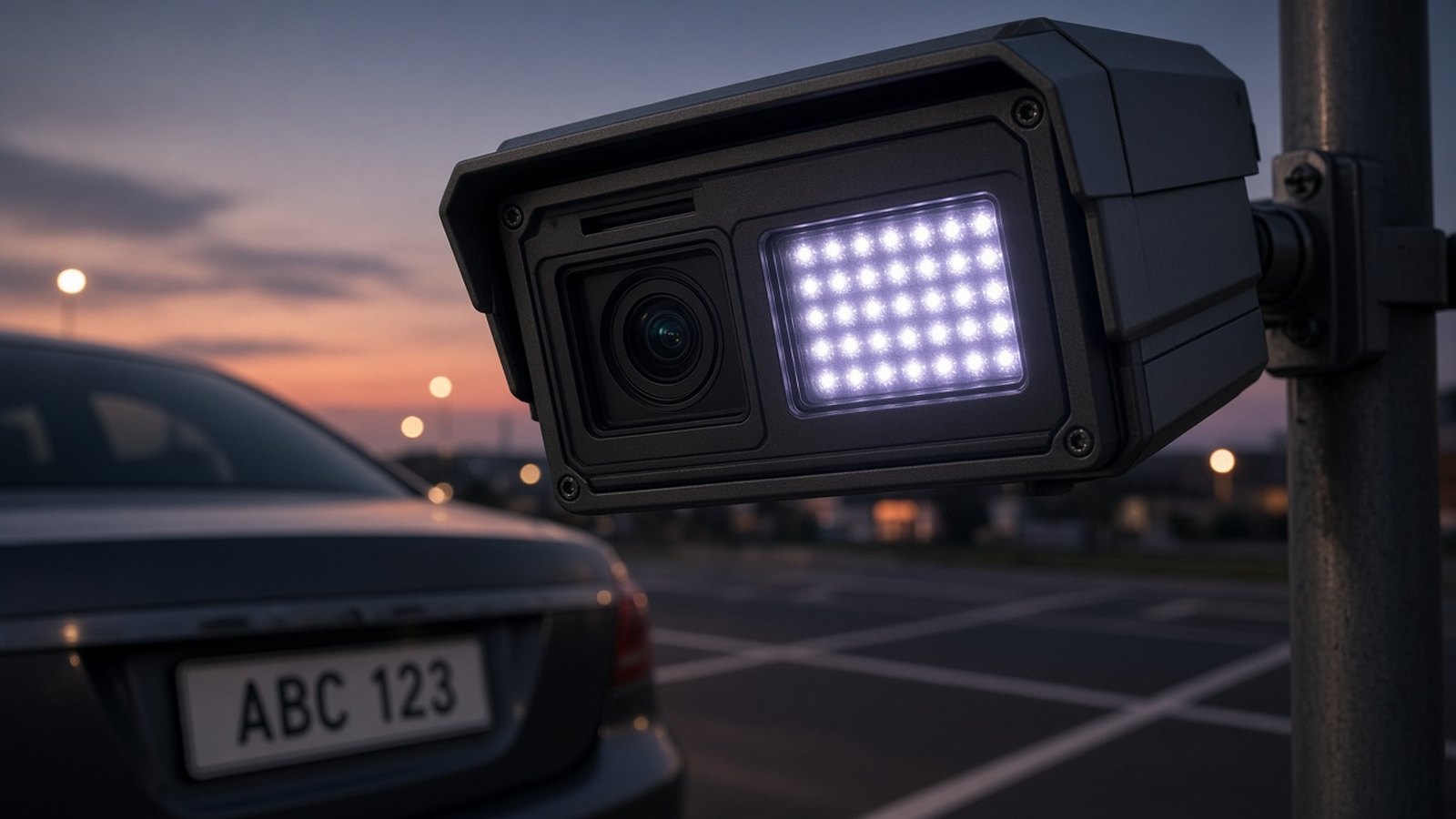
Transform traditional parking facilities into intelligent, connected operations with IoT access control, automatic payments, ANPR, and centralized management.
Our services
Why modernize parking
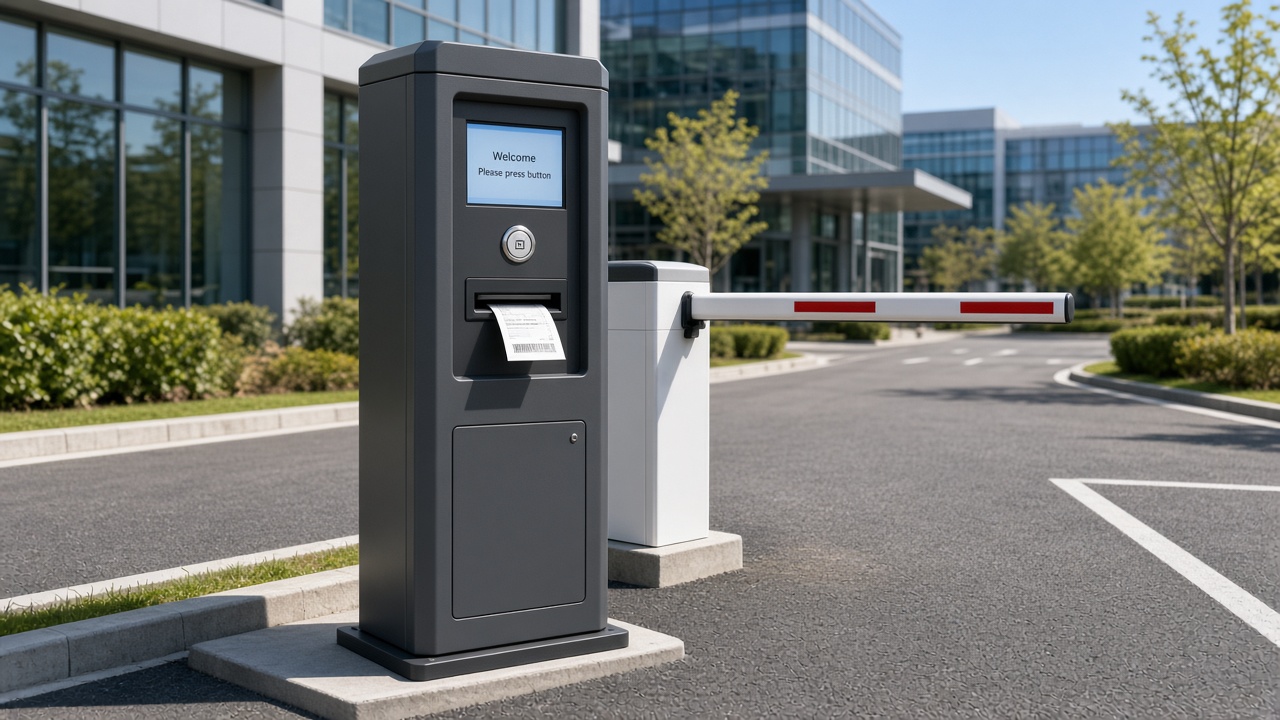
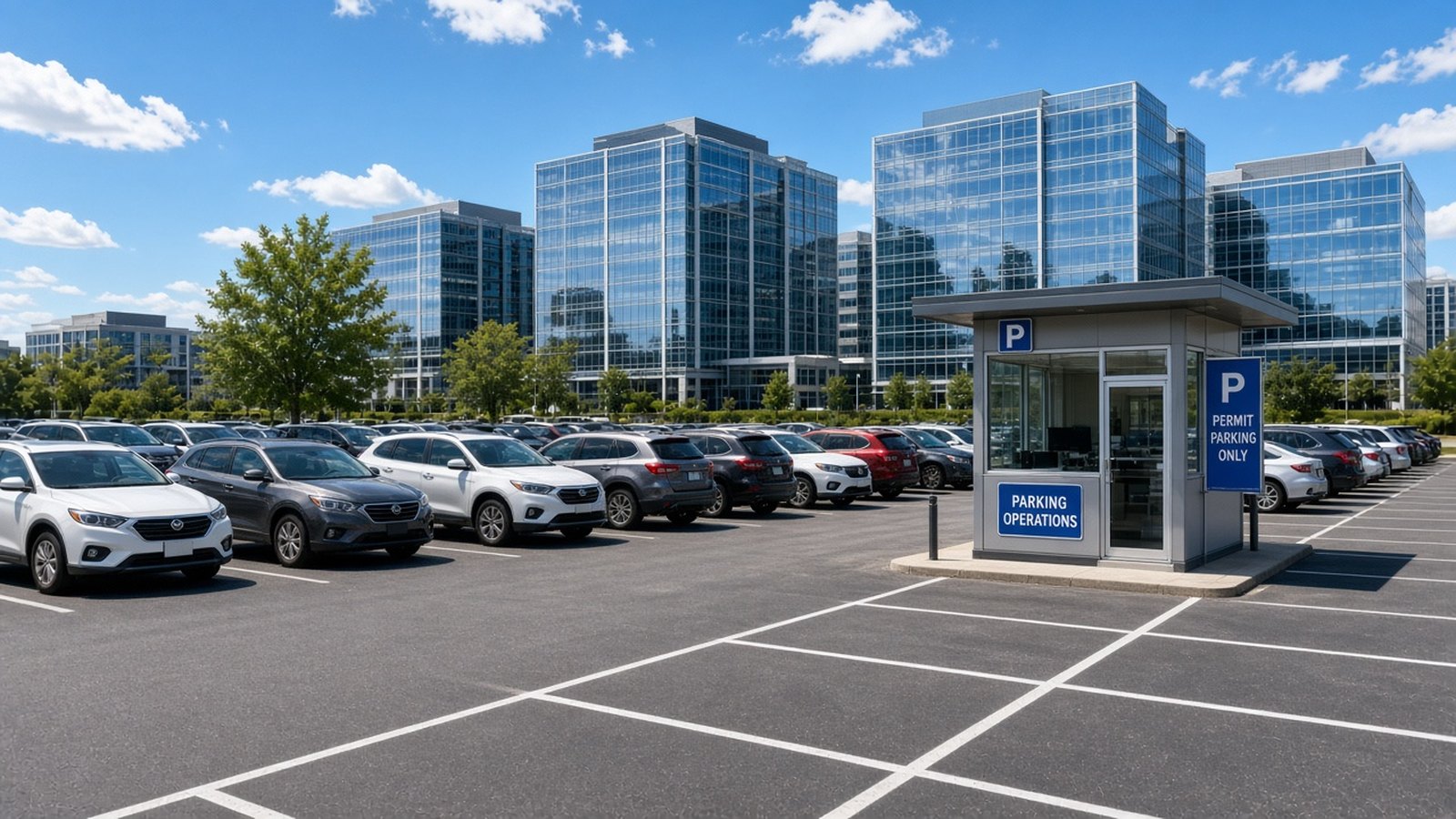
Facilities still running paper tickets and radio-controlled barriers lose time at the lane and struggle to explain occupancy or collections. SmartParking helps teams replace those gaps with connected workflows.
 01
01
Move repetitive lane tasks into configured software and device workflows, while keeping staff available for exceptions.
 02
02

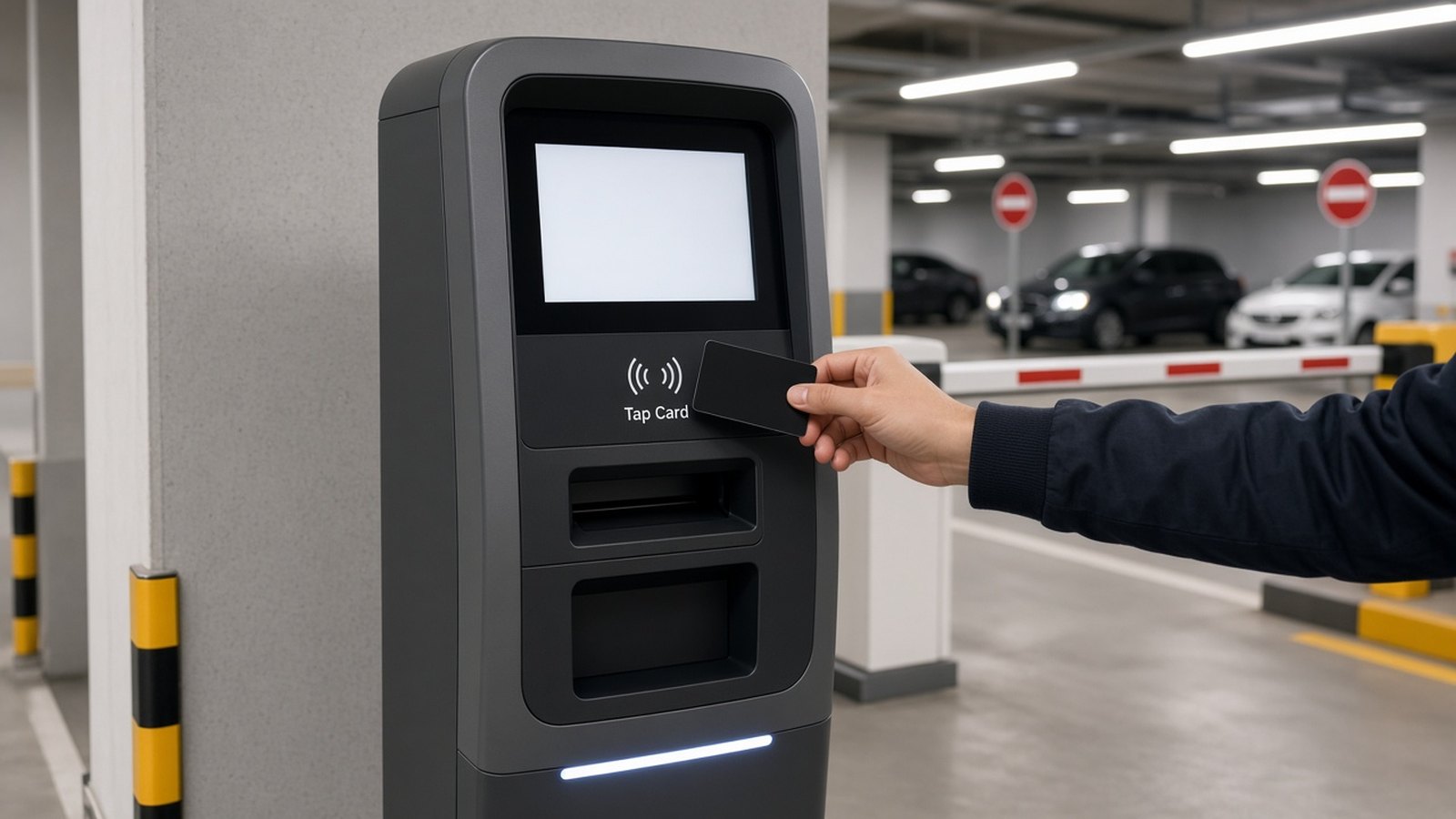
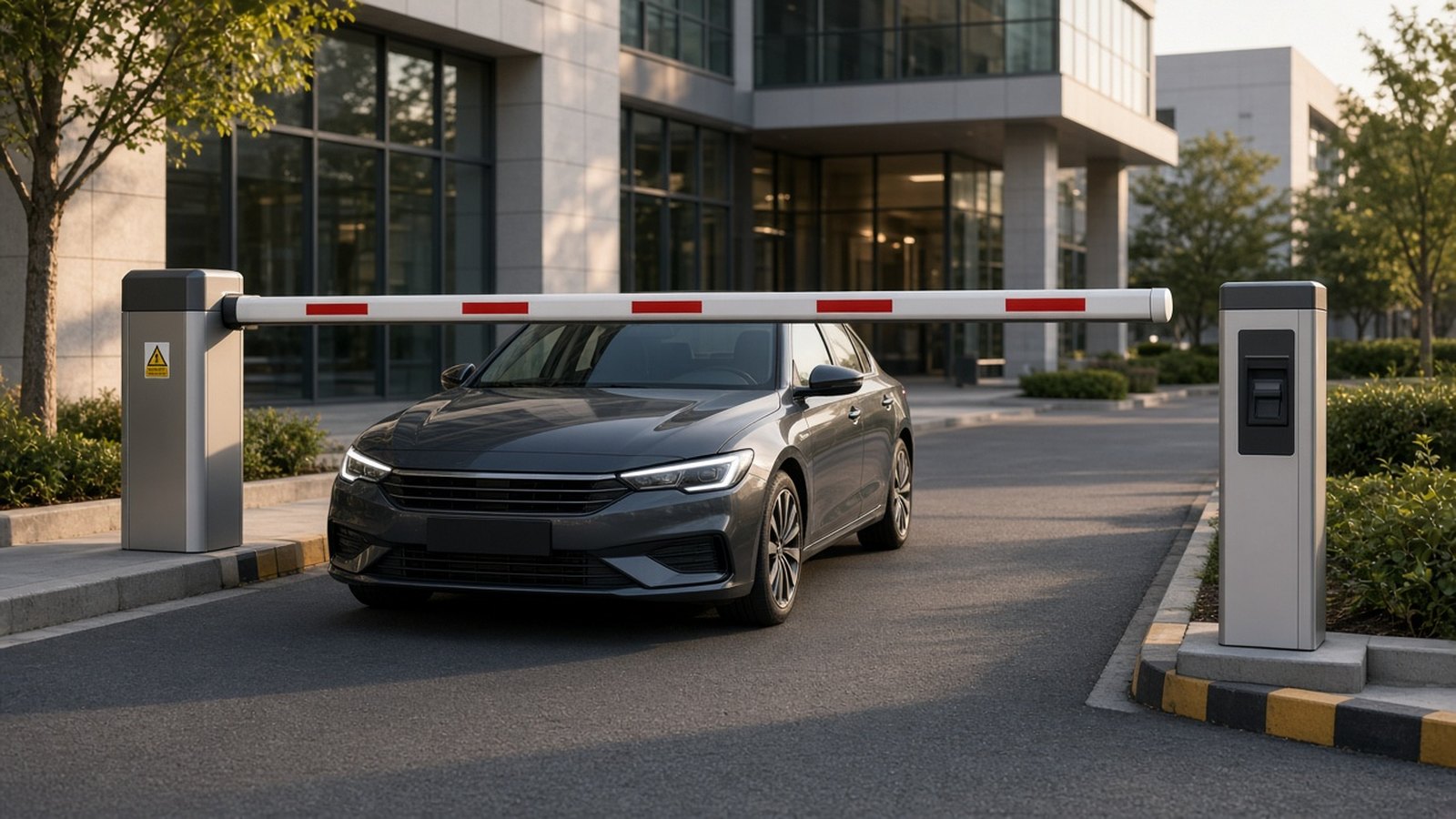
Authorize vehicles with the identification methods the site actually uses: ANPR, RFID, tickets, bookings, or guard approval.
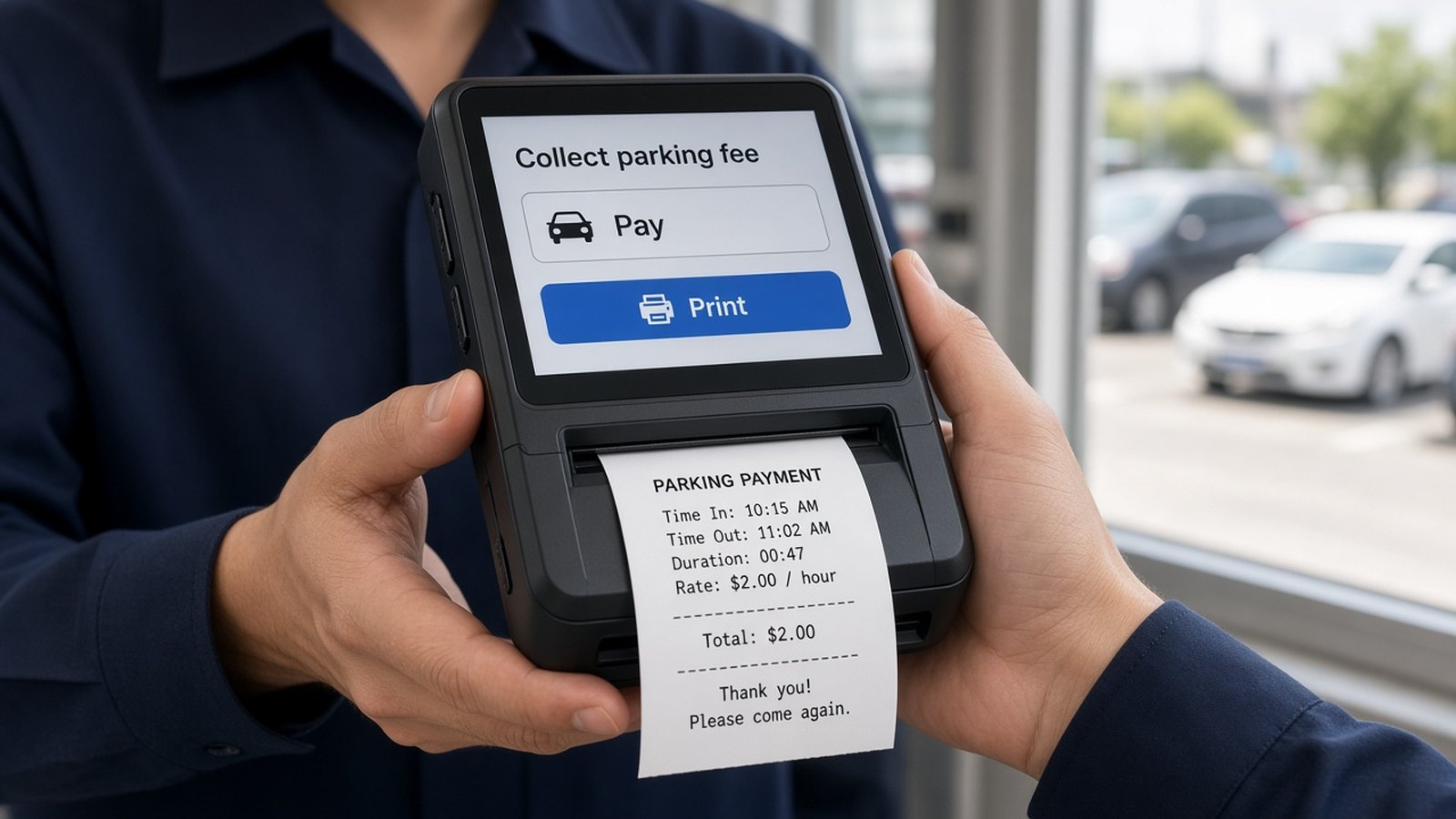 03
03

Apply published tariffs and collect through supported POS, gateway, or attended processes.
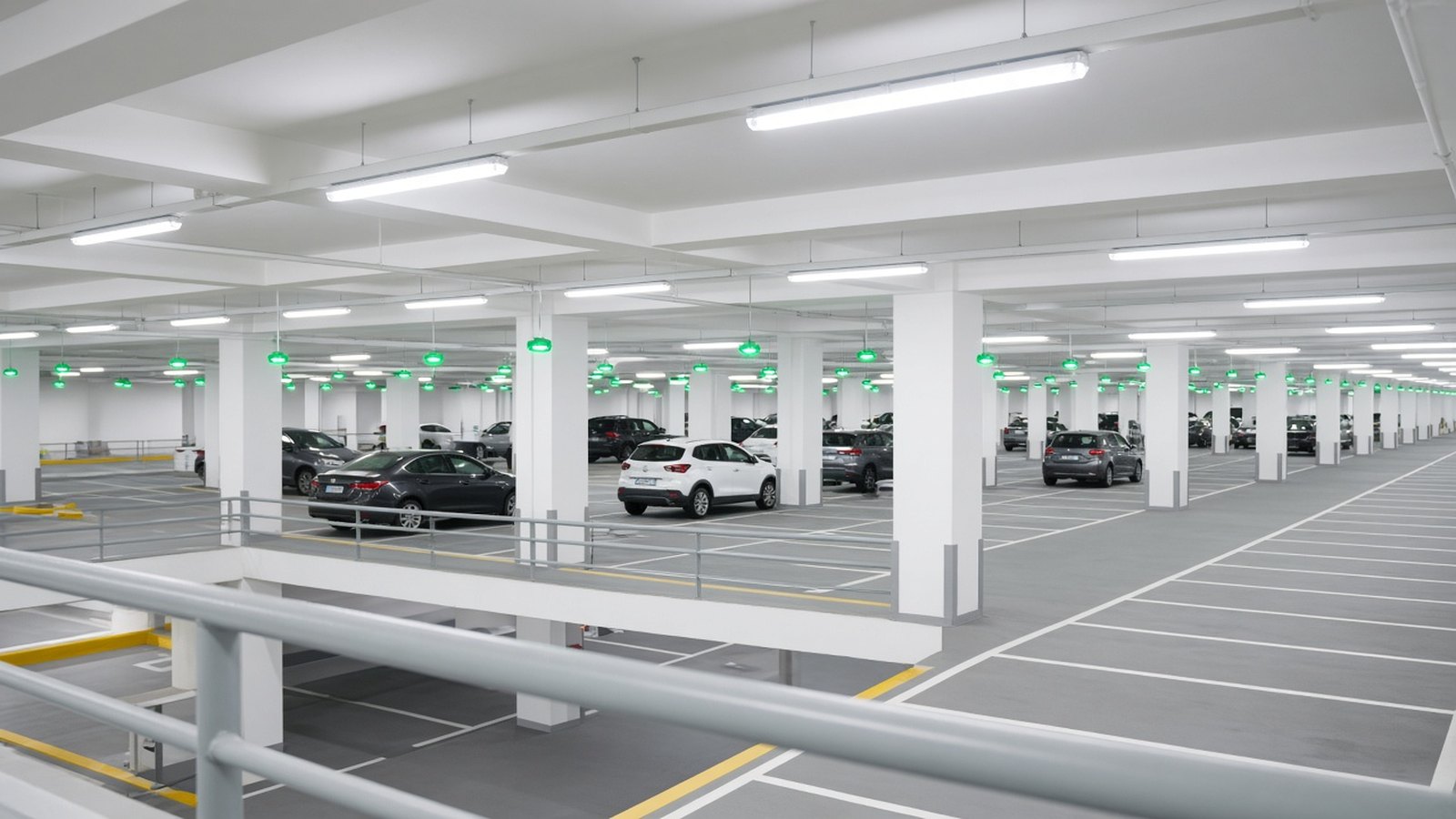 04
04

Review occupancy, access, and collections from the records the system stores.
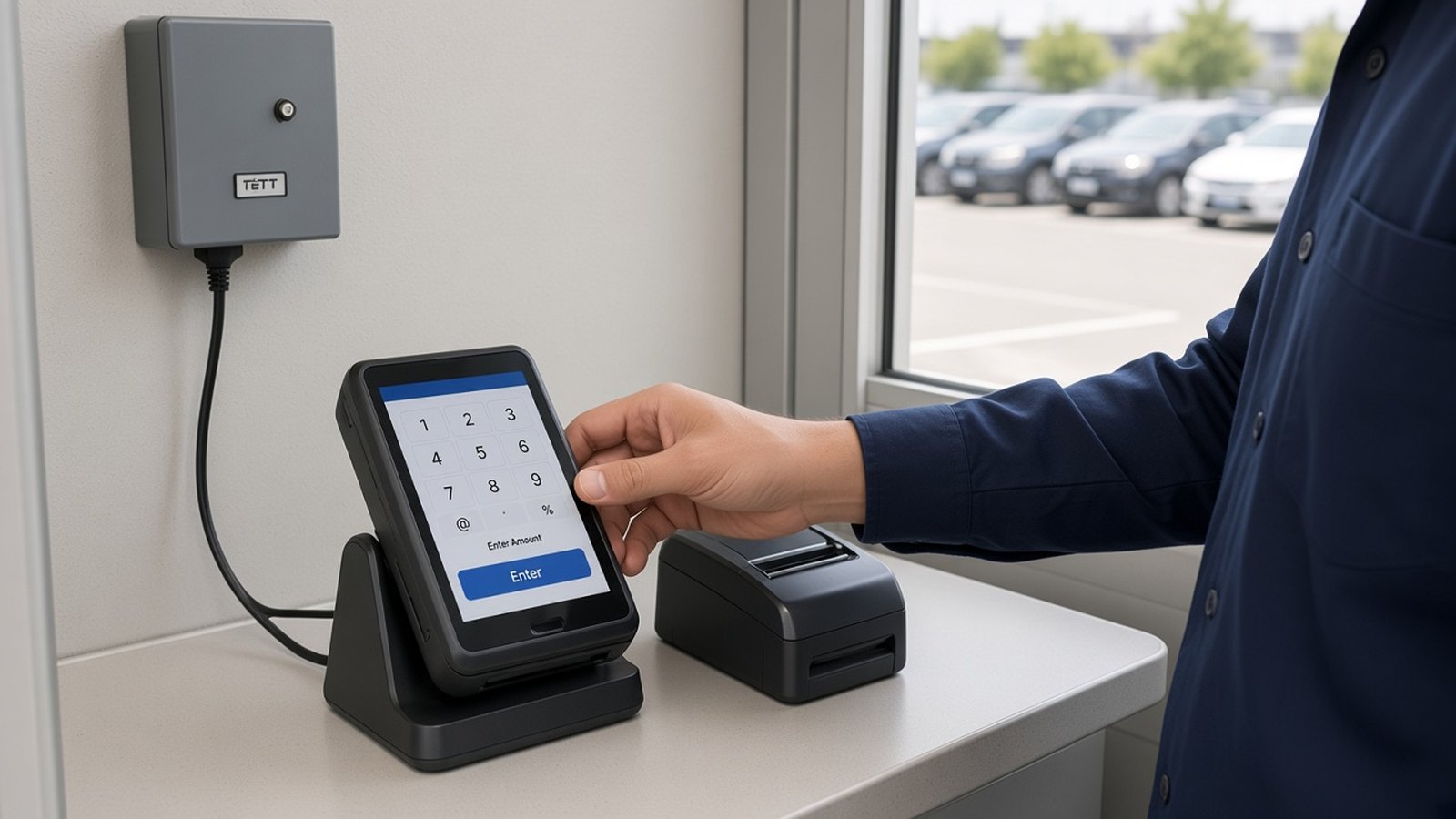 05
05

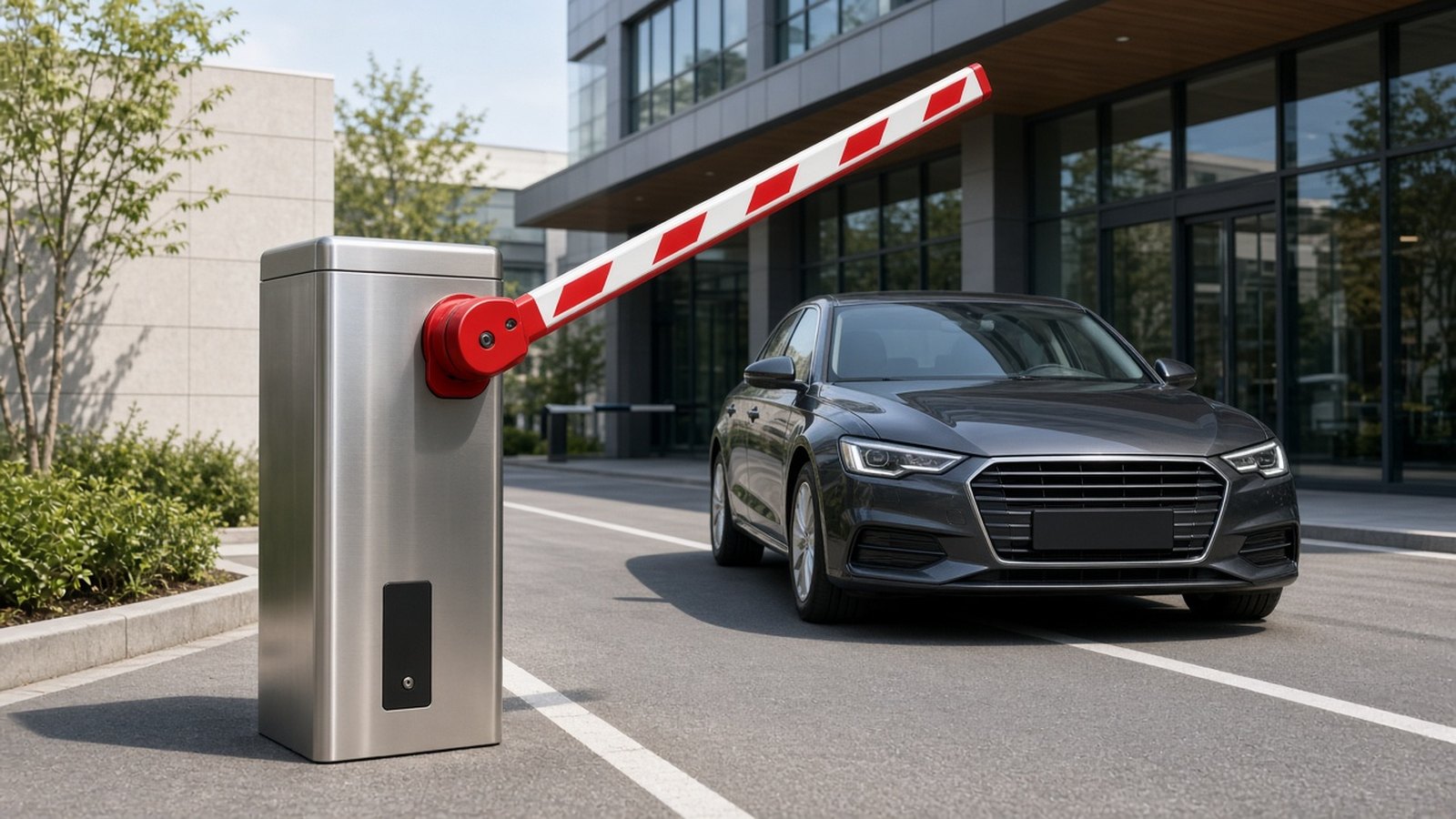
Connect compatible barriers, cameras, readers, printers, and POS tools instead of assuming a rip-and-replace.
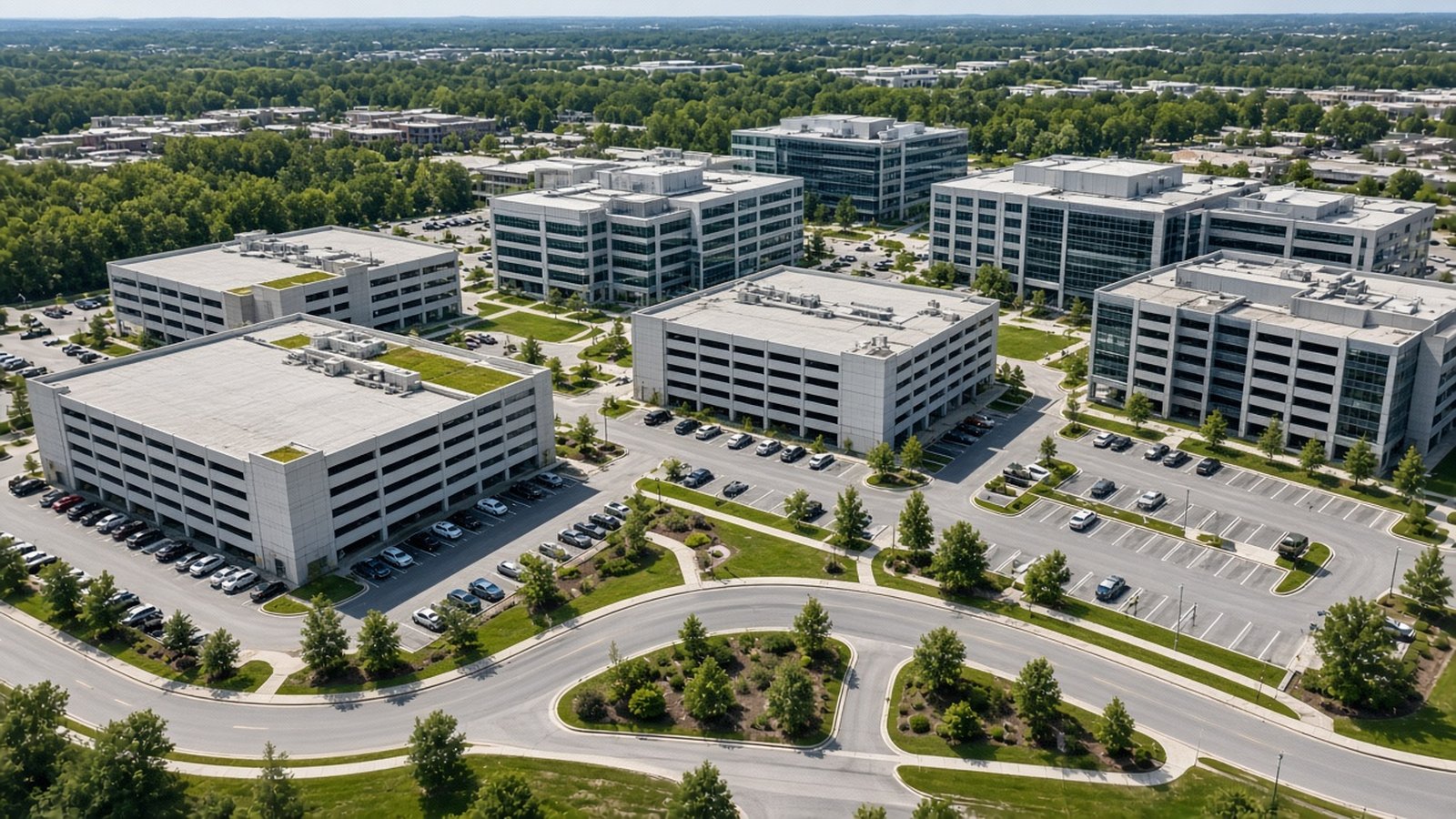 06
06

Start with one location or design for multi-site administration when the operator needs it.
Solutions
Products and hardware
Product pages describe purpose and integration posture. They do not invent dimensions, certifications, or brand partnerships.
Services
How SmartParking works
The exact workflow depends on the selected hardware and integrations. Not every site uses ANPR, RFID, sensors, or digital payments.
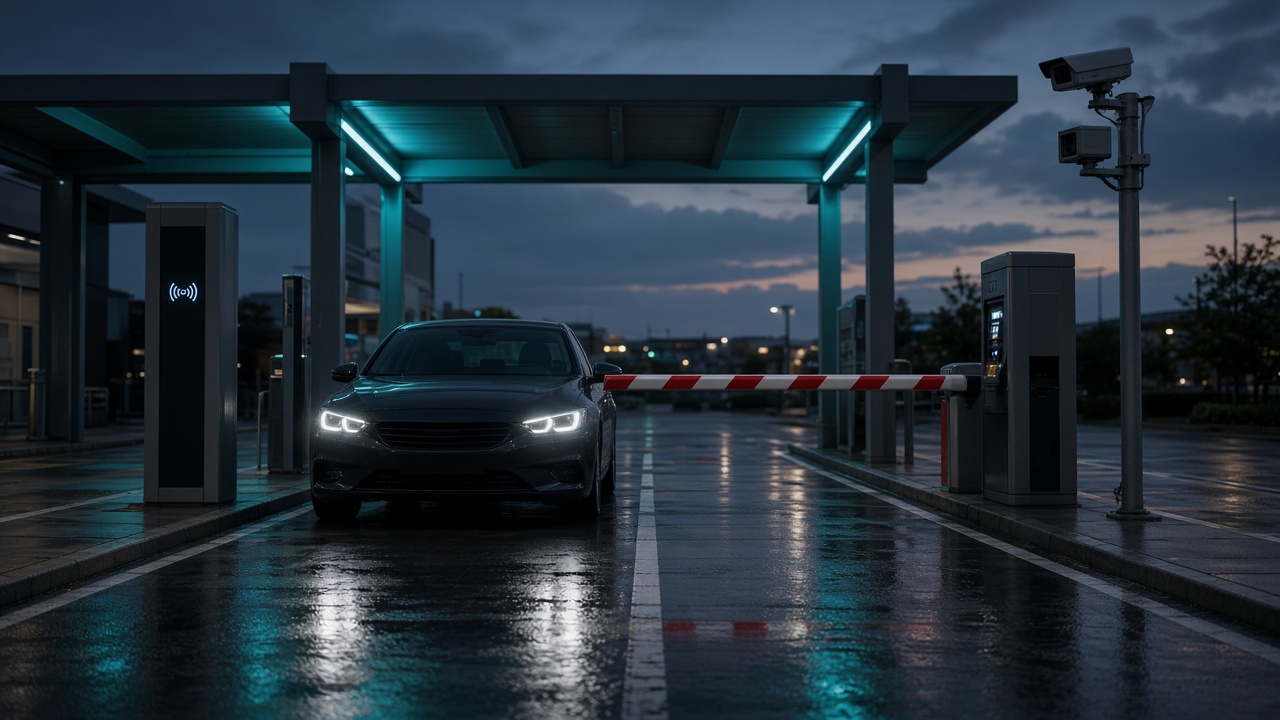

Vehicle approaches the entry gate.
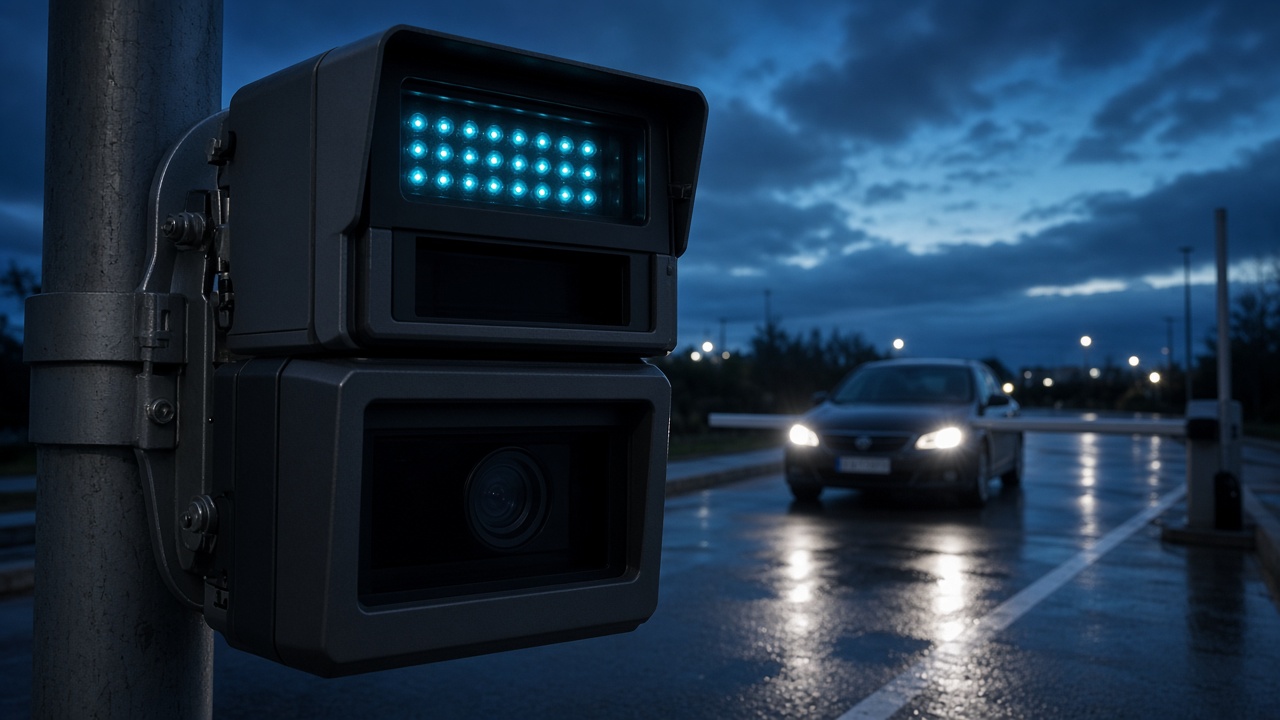

ANPR, RFID, ticket, or another supported method confirms the vehicle.
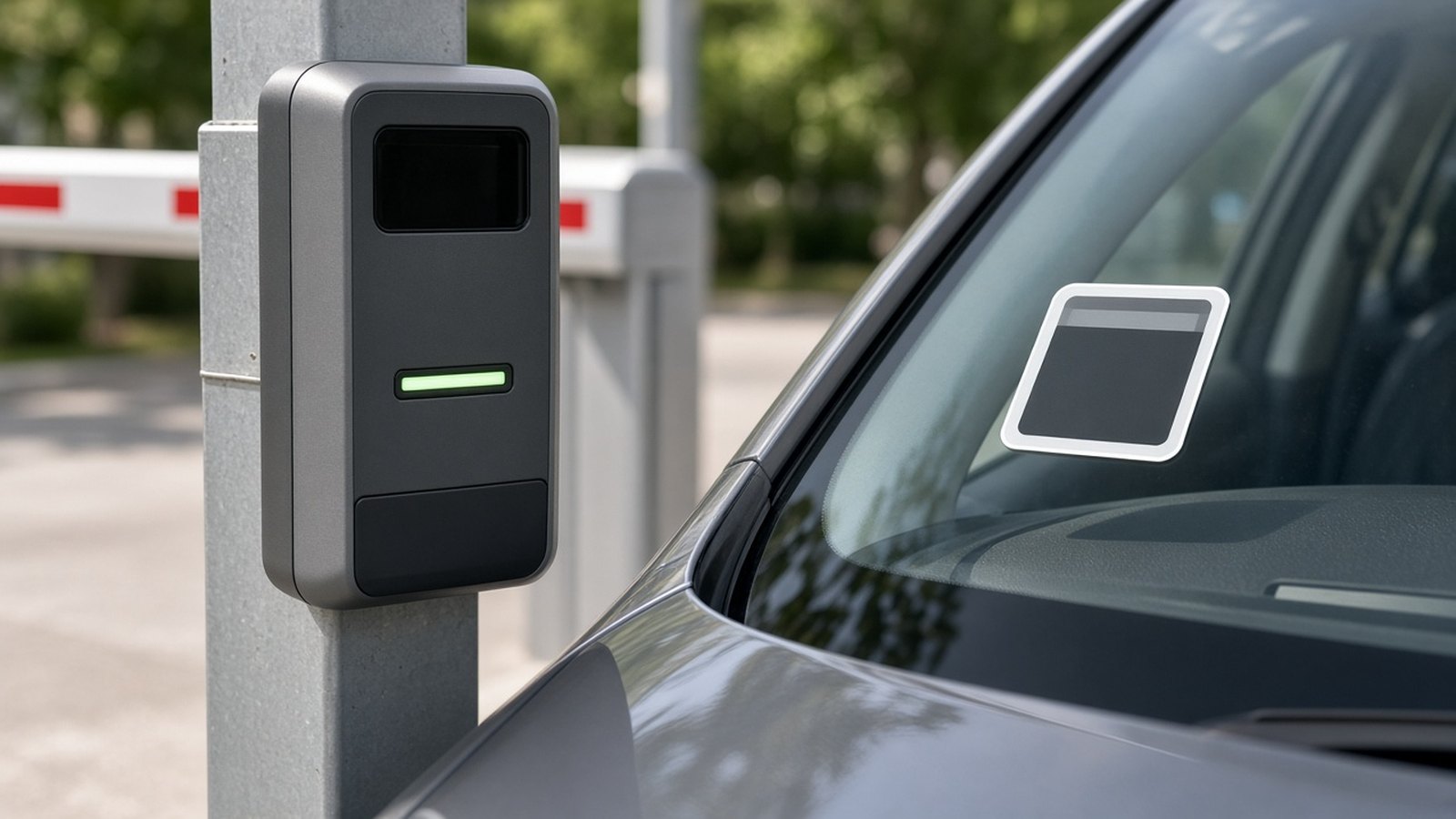

The parking system grants or holds access according to site rules.
Parking usage and payments are stored where those workflows are enabled.
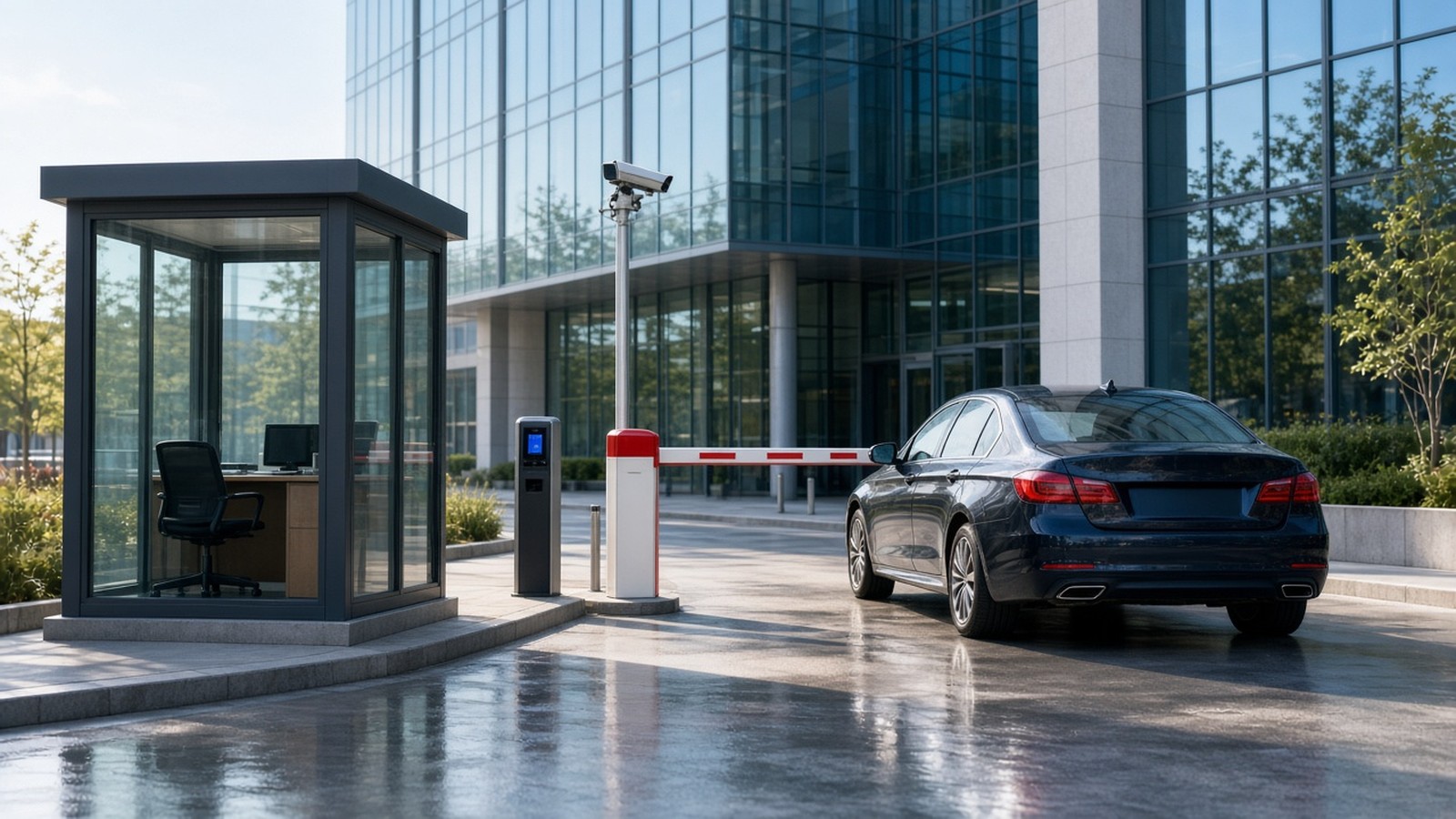

The vehicle leaves and reports update.
Occupancy dashboard
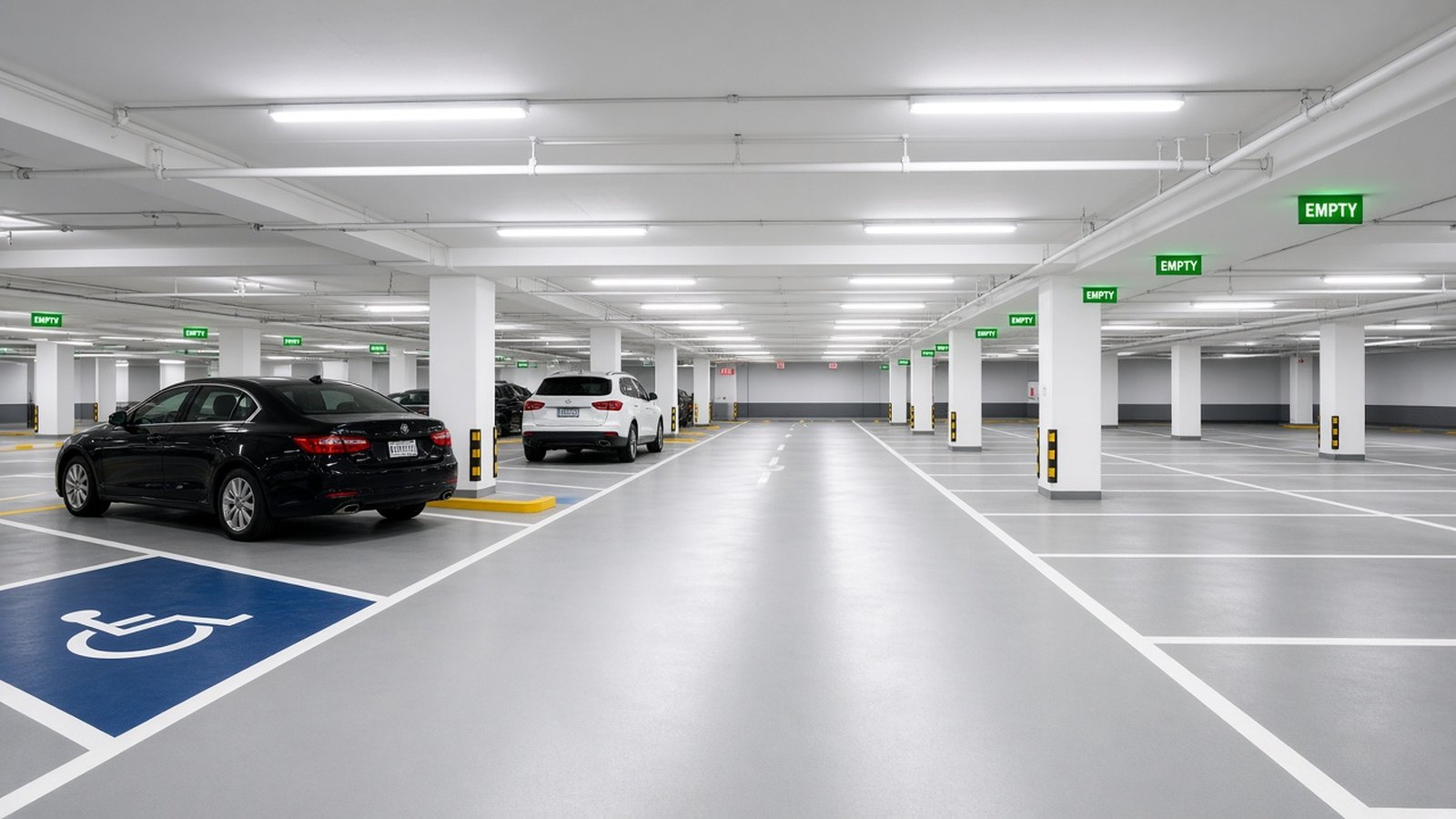
This is a simulated 20-space facility using sample data. It is not live occupancy and is not connected to physical IoT devices.
Sample facility
Sample occupancy loaded. Use Simulate entry or Simulate exit.
Industries
Integrations
Supported means SmartParking can work with that device class. Custom means a project-specific connection. Planned means it is on the roadmap and not claimed as live. No third-party logos are shown.
Operating layer
SmartParking software
Compatible hardware and software join the parking workflow after the interface is confirmed.
Supported device classes
Lane cameras can feed parking records when the selected engine and placement are validated.

Authorized-vehicle identification for residents, staff, and other frequent parkers.
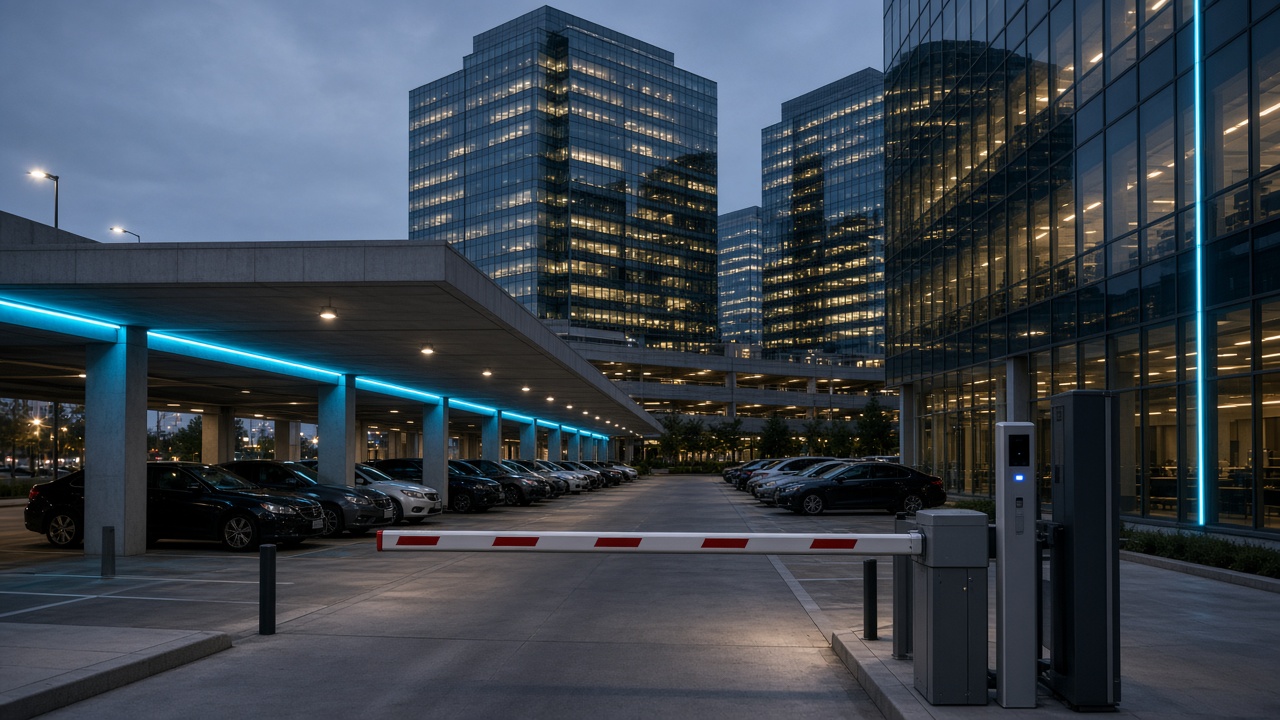
Compatible automatic barriers receive open and close instructions from the controller.

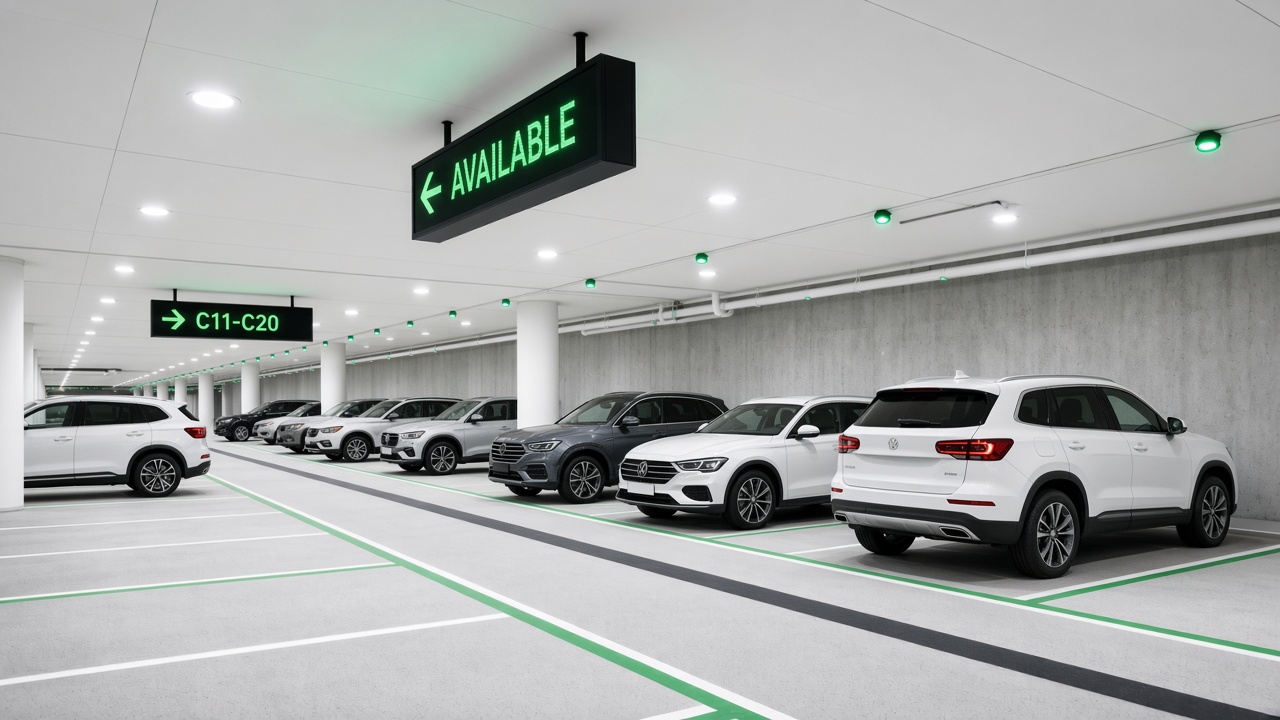
Bay occupancy hardware reports available and occupied states where installed.

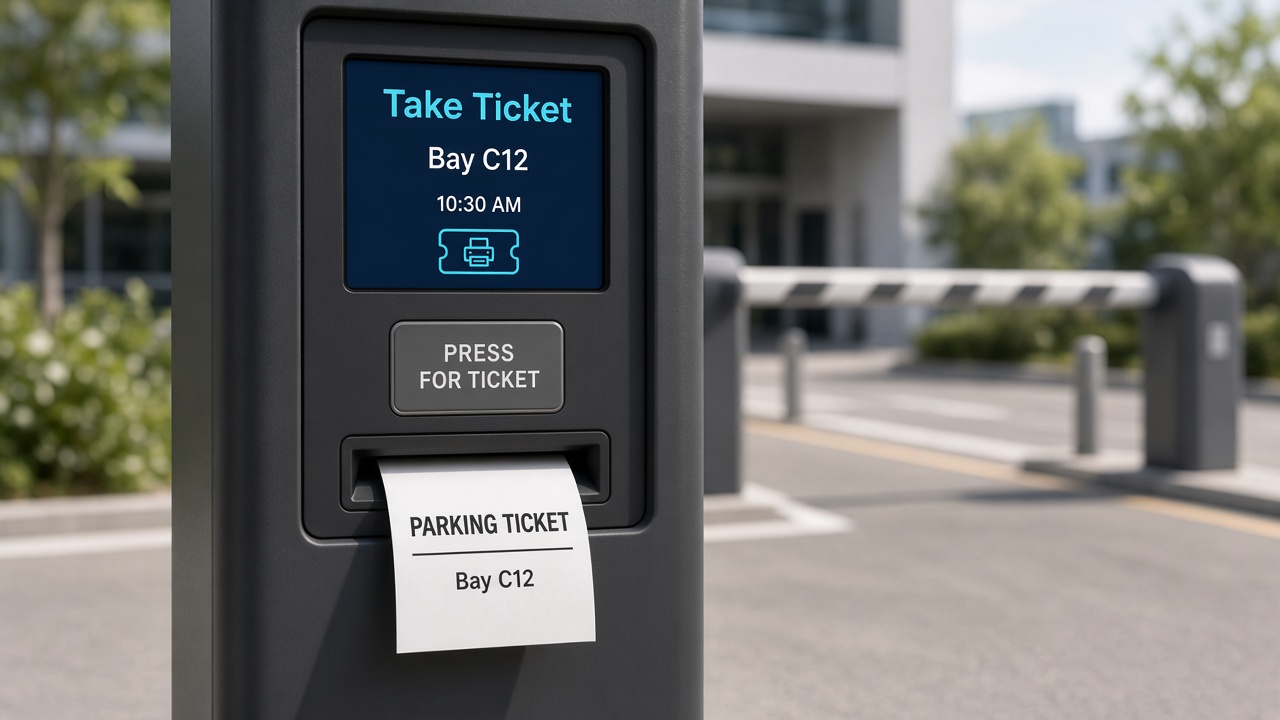
Tickets and receipts print when a compatible printer is in the lane workflow.
Custom connections
Parking charges can be handed to a POS platform after that platform is confirmed.
Digital collection is connected only for approved providers on the project.

Notifications use approved templates and a configured business account.
Replacement, coexistence, or data handoff is designed after reviewing the current stack.
Not claimed as live
Exports and handoffs can be scoped; live accounting sync is not assumed.
FAQ
SmartParking automation connects compatible parking hardware with software so vehicle access, occupancy, payments, and records can be managed as one operating model. The exact devices and workflows are selected for each facility.
A compatible barrier receives an open or close instruction from a controller after the parking system evaluates identification, payment, or staff approval rules. A manual override remains available to authorized personnel.
Often yes, when the existing barrier, reader, camera, printer, or POS platform exposes a supported interface. Compatibility is confirmed during assessment rather than assumed from a generic list.
ANPR and RFID are both supported identification methods when the selected cameras, readers, tags, and software modules are in place. Many sites use one method, or both, plus a fallback lane process.
Yes, where the self-parking and booking service is enabled for that facility and the site has a way to honor the reservation at arrival. Booking is not automatic on every deployment.
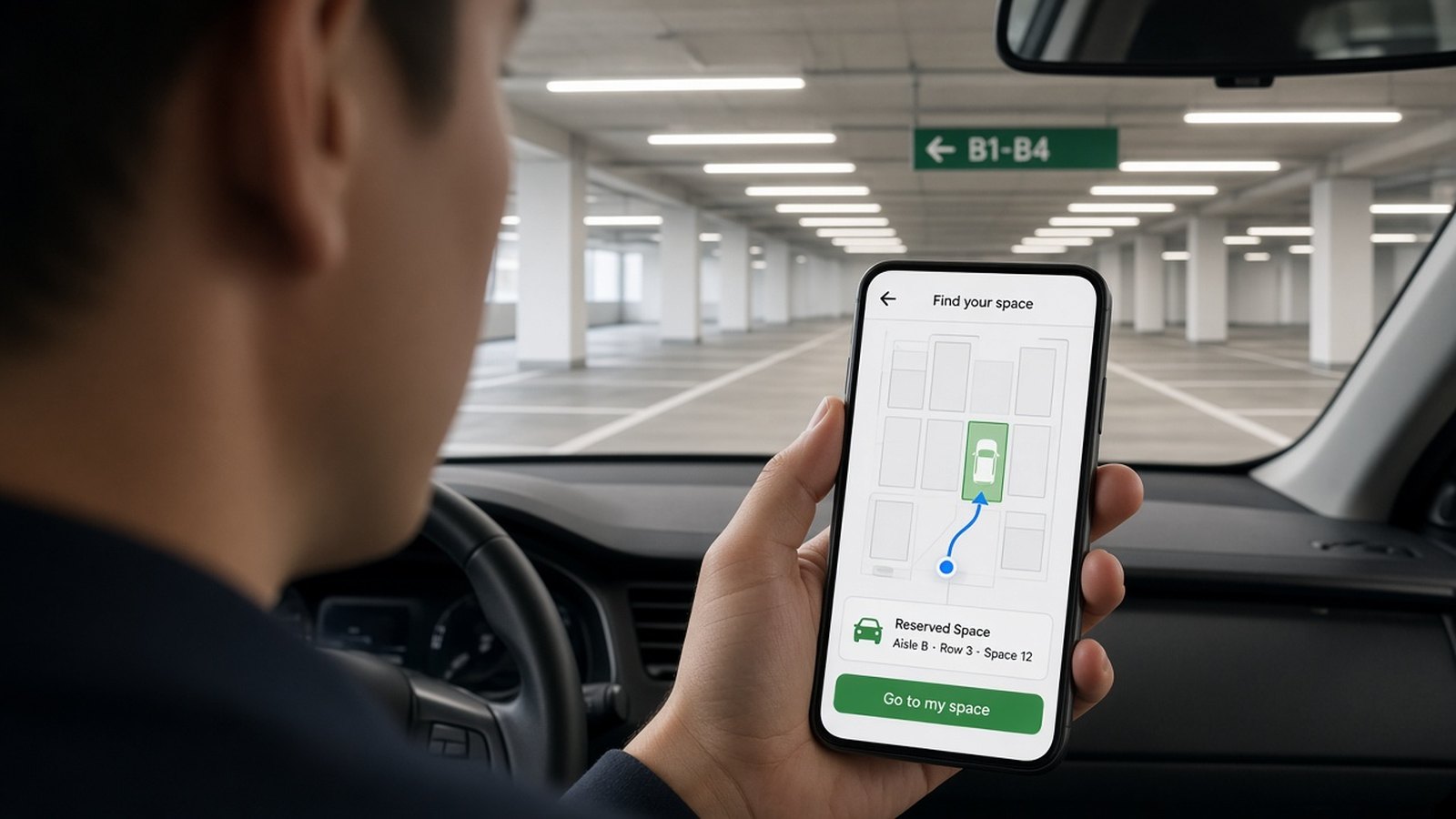
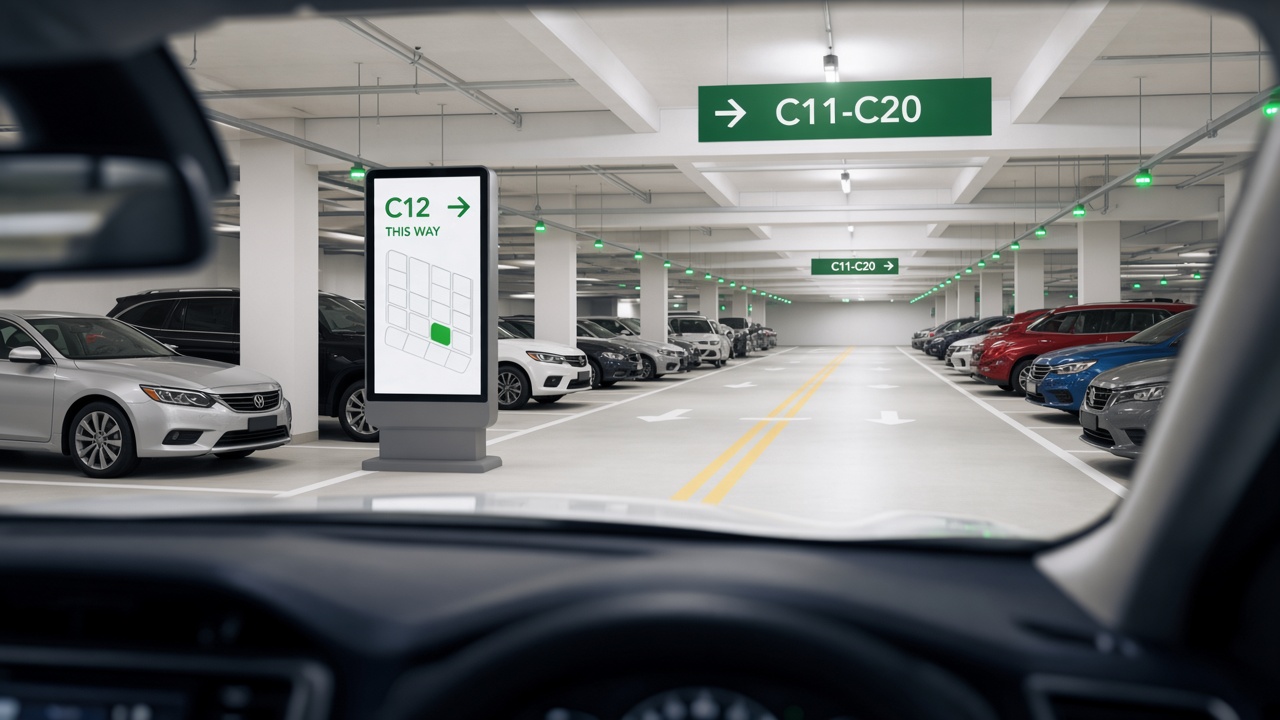
Yes, where occupancy sensors, guidance displays, or the booking screen are enabled. The system can show an available or reserved bay and direction through floors and aisles. Exact signs and maps are specified per site.
Discover how connected parking technology can simplify operations, improve visibility, and create a better parking experience.